
How to Reduce Low-Quality Leads From Facebook Ads
Seven practical fixes for your offer, forms, tracking and follow-up.
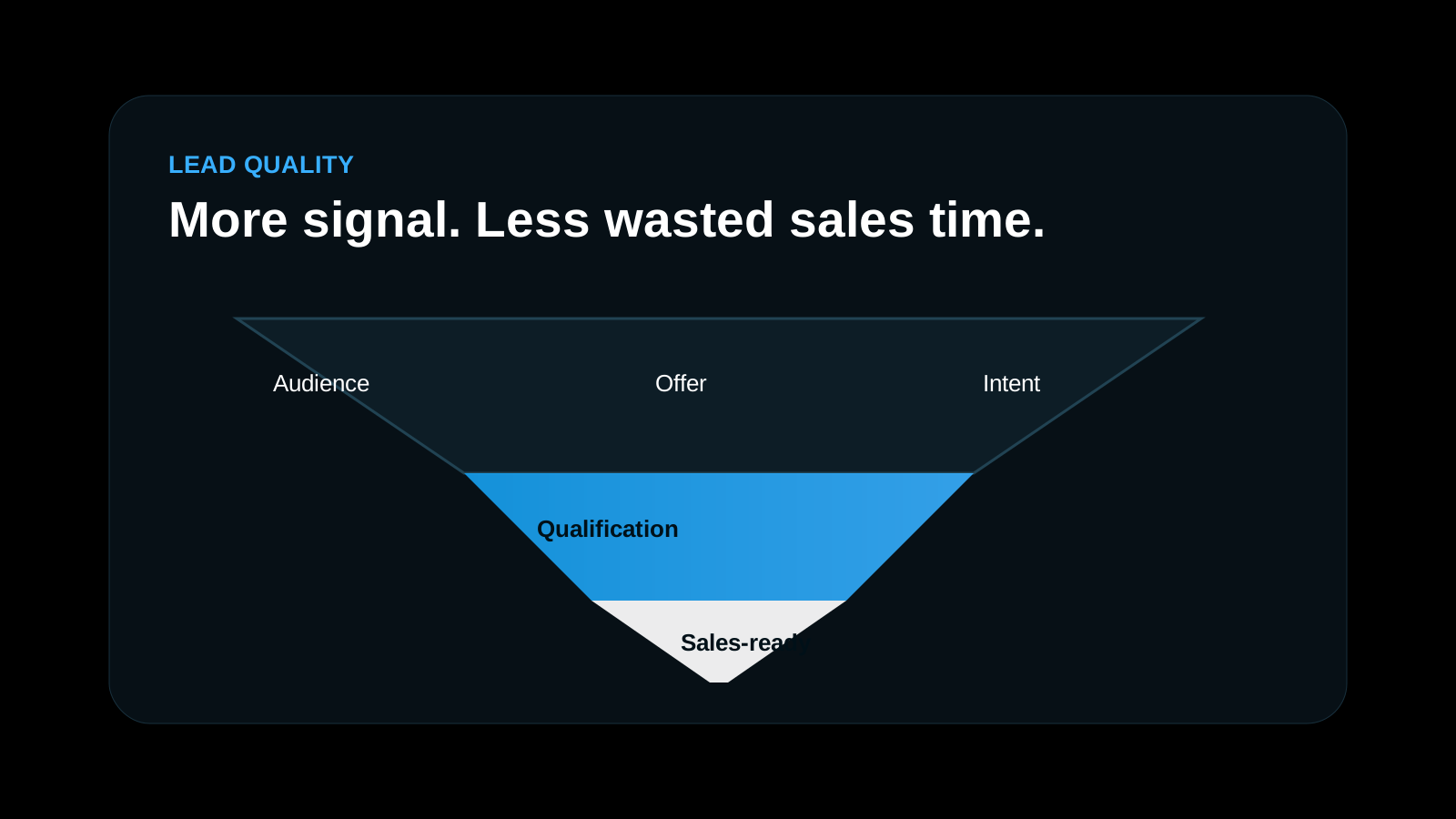
Low-quality leads from Facebook and Instagram ads are rarely a targeting problem alone. They usually come from an offer that is too vague, a form that is too easy, weak tracking and slow follow-up. Fix those four things and lead quality improves, often without increasing your budget.
If your sales team says "these leads are useless", this guide gives you a practical checklist. It is based on how we run lead generation campaigns for EdTech, B2B, real estate and service businesses in India.
What counts as a low-quality lead?
Before fixing the problem, define it. A low-quality lead is not just a lead that did not buy. Typical signs are:
- Wrong or switched-off phone numbers
- People who do not remember filling the form
- Enquiries from outside your service area
- Budgets far below your minimum price
- Students or job seekers instead of buyers
- Duplicate or fake entries
Ask your sales team to tag every lead for two weeks as qualified, not qualified or not reachable, with a reason. Without this data you are guessing.
1. Make the offer specific
"Get a free consultation" attracts everyone. "Get a quote for 50 kW rooftop solar for your factory" attracts the right people. A specific offer filters out people who are not a fit before they click.
- Mention who it is for: business type, location, budget range
- Mention the price or a starting price where possible
- Use the language your buyers use, not marketing language
2. Add friction to the form, on purpose
Meta instant forms are designed to be easy. That is good for volume and bad for quality. Use these settings and fields to slow down casual clickers:
- Choose the Higher intent form type, which adds a review step before submit
- Add 1–3 qualifying questions, such as budget, timeline or business type
- Use multiple-choice answers so you can filter leads quickly
- Remove pre-filled fields for the most important question
Expect fewer leads and a higher cost per lead. That is fine if more of them convert. Judge the change on cost per qualified lead, not cost per lead.
3. Send traffic to a landing page when quality matters
A focused landing page lets people read about your offer, see proof and decide before they enquire. Visitors who submit after reading are usually more serious than instant form leads. Test both: instant forms for volume, landing pages for quality.
4. Track quality, not just volume
Meta optimises for the event you give it. If you only send "Lead", it finds more people who fill forms. If you send back which leads became qualified or converted, it can learn to find more of those.
- Set up the Meta Pixel and Conversions API on your website
- Mark lead status in your CRM: qualified, site visit, sale
- Send those stages back to Meta as conversion events
- Over time, optimise campaigns for the deeper event
5. Tighten targeting and placements
Broad targeting can work well once your offer and tracking are strong. Until then, a few controls help:
- Exclude locations you do not serve
- Review placements; some lower-cost placements bring more accidental clicks
- Exclude existing customers and past converters where relevant
- Build lookalike audiences from your best customers, not from all leads
6. Call within five minutes
Many "bad leads" are good leads that went cold. Someone who filled a form an hour ago may already have spoken to a competitor. Set up instant WhatsApp follow-up and a call within minutes during working hours. Measure how many leads are reached on the first attempt.
7. Review creatives and messaging
Ads that promise "free", "lowest price" or big discounts attract bargain hunters. Ads that show your process, price range and real results attract people ready to buy. Run creative tests and compare them on qualified lead rate, not click-through rate.
A simple weekly lead quality review
- Export last week's leads with sales tags
- Calculate qualified lead rate for each campaign, ad set and ad
- Pause ads with a low qualified rate, even if their CPL is low
- Scale ads with the best cost per qualified lead
- Note one change to test next week
What results look like
When offer, form, tracking and follow-up work together, cost per lead can stay low at scale. In one EdTech account we managed ₹9 crore in ad spend at a ₹45 average CPL, and a B2B solar panel campaign generated 2,500+ leads at ₹70–80 CPL. See the full numbers on our case studies page.
Frequently asked questions
Why are my Facebook leads fake?
Easy instant forms, broad audiences, "free" offers and low-cost placements can bring accidental or fake submissions. Higher intent forms, qualifying questions and phone verification help.
Should I use instant forms or a website landing page?
Instant forms give more volume at a lower CPL. Landing pages usually give better quality. Test both and compare cost per qualified lead.
How long does it take to improve lead quality?
Form and offer changes show results within one to two weeks. Optimising on CRM conversion events needs enough data, usually a few weeks.
Related services and guides
- Meta Ads agency — lead quality filters and CRM feedback
- Google Ads agency — high-intent search leads
- Landing pages — qualifying questions that filter weak leads
- Why Meta Ads leads do not become customers — what to review next
- Case studies — real ad spend, CPL and lead numbers
- Contact our team — talk to us about your campaign